Seven cities
Tokyo, Kyoto, Osaka, Nara, Kamakura, Nikko and Hiroshima, each including its surrounding area: Enoshima and Fujisawa with Kamakura, Miyajima with Hiroshima, Uji with Kyoto, Lake Chuzenji with Nikko.

Plan your trip to Japan without depending on cell service. Download each city while you're on Wi-Fi and carry the whole guide with you: temples, shrines, museums, viewpoints, restrooms, konbini, stations and ATMs. Search, place details and your day's route all work with no signal.
Available on App Store & Google PlayiPhone & iPad: one-time purchase, no ads · Android: free, contains ads
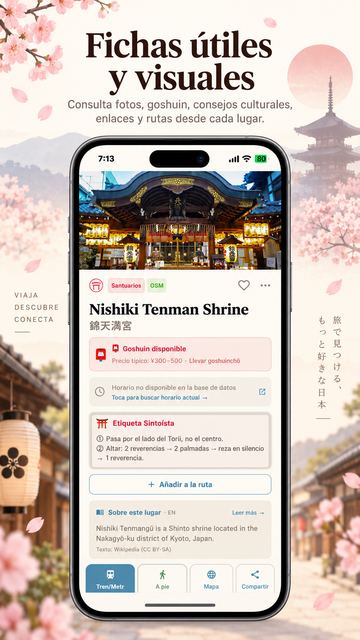
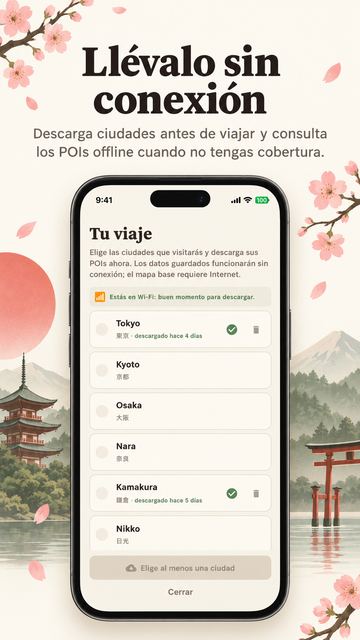
What the app does
An internet connection is needed the first time, to download each city's data and the map. After that, everything works offline.
Tokyo, Kyoto, Osaka, Nara, Kamakura, Nikko and Hiroshima, each including its surrounding area: Enoshima and Fujisawa with Kamakura, Miyajima with Hiroshima, Uji with Kyoto, Lake Chuzenji with Nikko.
Most Japanese ATMs reject cards issued abroad. The app filters for the ones that work: Seven Bank, Japan Post, AEON and Lawson. It's the detail that matters most on your first day.
Rail and subway lines are drawn in their official colors, so you can see how places connect. They appear only when the station filter is on, keeping the map clean the rest of the time.
Save favorites, keep private notes and collect your goshuin. Build a day route from only the stops you pick, ordered along the shortest path.
Temples, shrines, museums and viewpoints, plus restrooms, konbini, stations and ATMs, all searchable on the map.
Dark mode, weather, and earthquake alerts from the Japan Meteorological Agency.
Screenshots
Swipe to see them all.
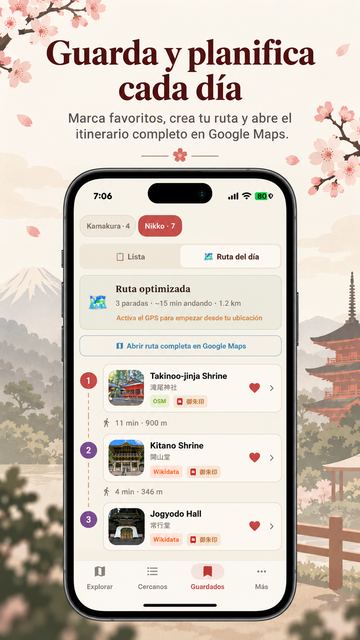
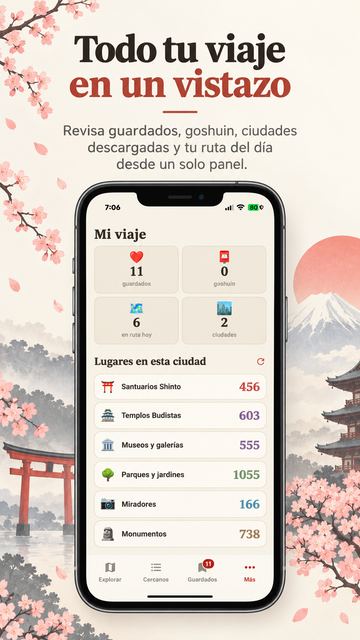
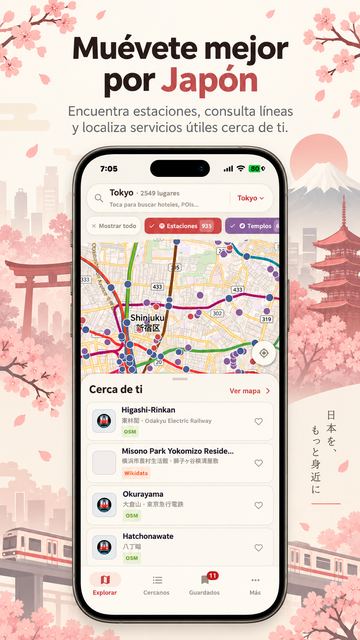
Screenshots show the Spanish version of the app.
FAQ
It is published on the App Store for iPhone and iPad (one-time purchase, no ads or subscriptions) and on Google Play for Android (free download with ads, listed as «Japan Tourism: Offline Guide»). In Spanish the app is called Turismo Japón.
On iPhone and iPad all seven cities are bundled from first launch. On Android you download each city on Wi-Fi before your trip. After that, places and offline views work without cell service.
Tokyo, Kyoto, Osaka, Nara, Kamakura, Nikko and Hiroshima, each including its surrounding area: Enoshima and Fujisawa with Kamakura, Miyajima with Hiroshima, Uji with Kyoto and Lake Chuzenji with Nikko.
On Android the download is free and contains ads. On iPhone and iPad it is a one-time purchase (€4.99 in Spain) with all features included and no ads or subscriptions.
No. The app does not ask for an account, and your favorites and notes are saved on your device.
No. The app orders your day route along the shortest path, and its route buttons open Apple Maps on iPhone and iPad or Google Maps on Android to get you to each stop.
Japan Travel Offline Guide · Go4FunnyLife
Install the app on iPhone, iPad or Android before you leave. Prefer Spanish? Read our Japan travel guides in Spanish.